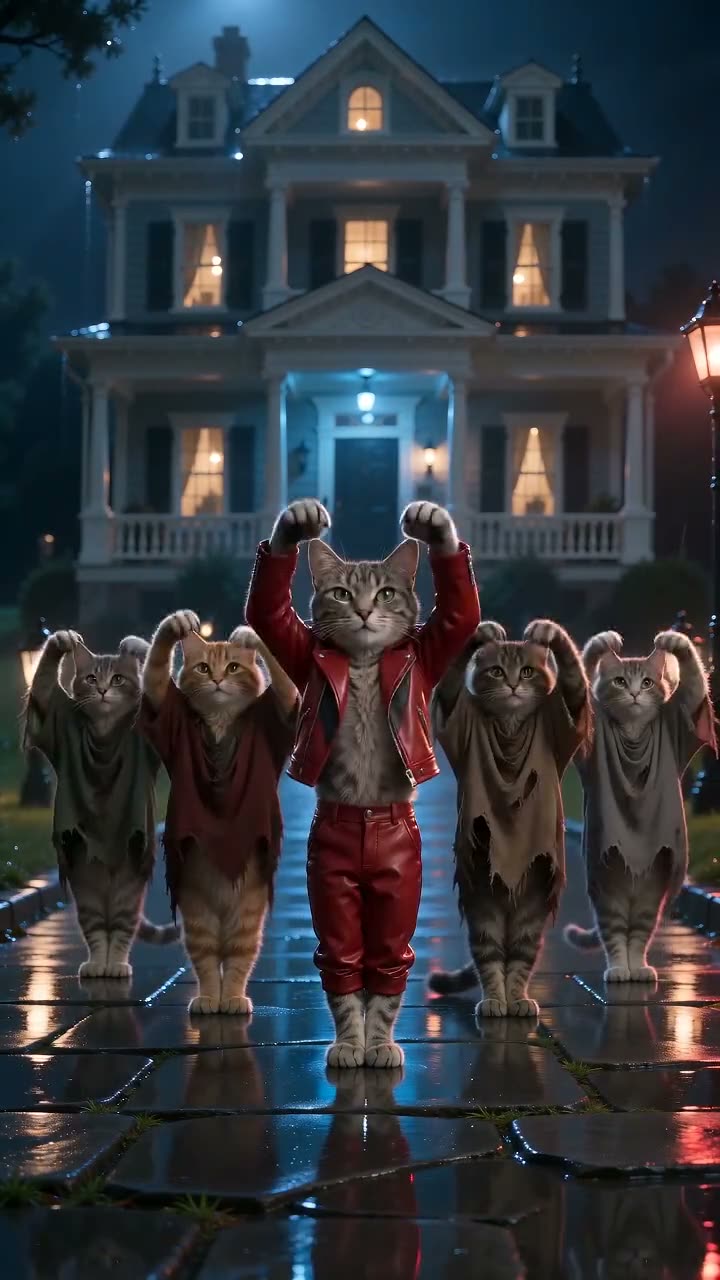
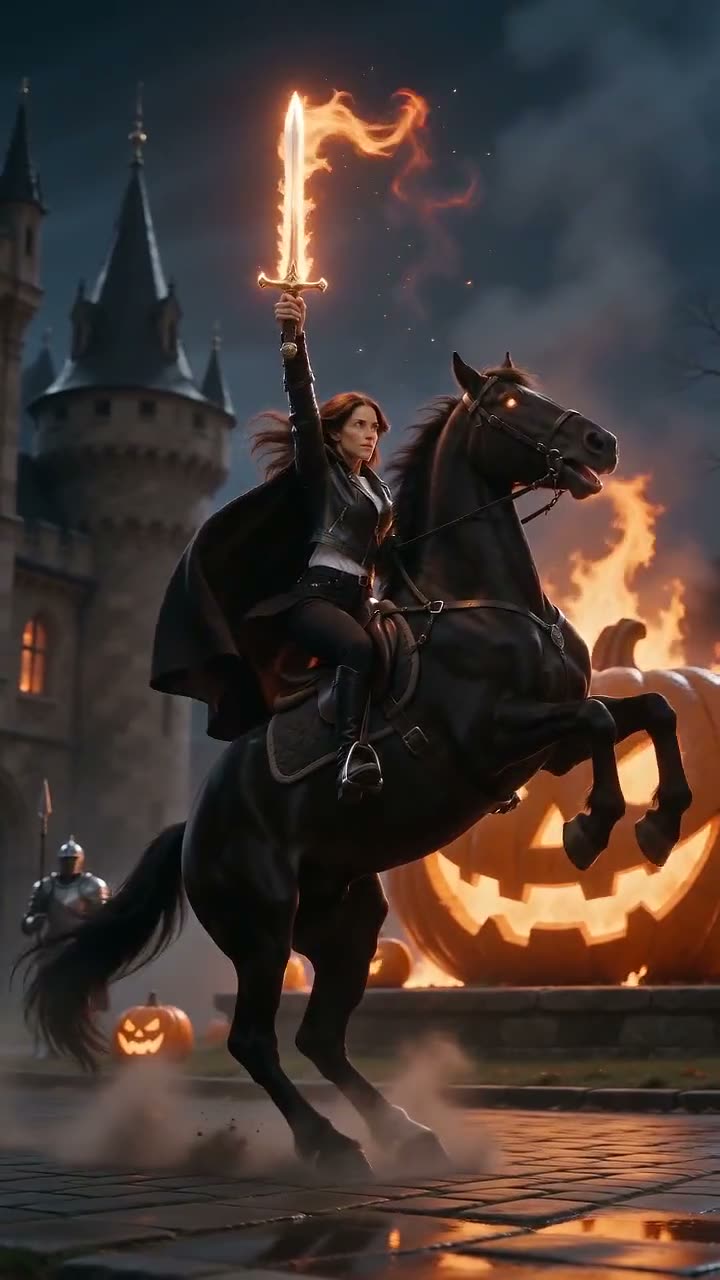
AI Grim Reaper Video Generator
One photo. One Grim Reaper battle video.
Upload one full-body photo and get a 10-second 720p 9:16 Grim Reaper video: green ghost knights charge, a glowing scythe appears in your hand and you leap through them. $9.99, no sign-up, ready in about 5 minutes.
Published Oct 21, 2026 · Updated Oct 21, 2026
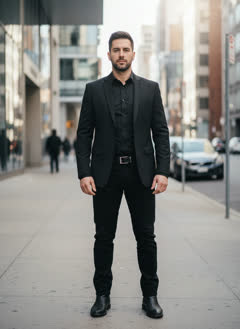 1 photo in→ this video out
- No sign-up
- Ready in ~5 min
- Your photo
Your photos guide a new AI render. Details and likeness can differ from the sample.
Same meme, different photos
Every clip below was made by memevibe from the one photo shown on it. Swipe for more.
- 1 photo in
Our sample from one photo of an AI-made man (not a real person): the scythe appears, he leaps through the ghost knights.
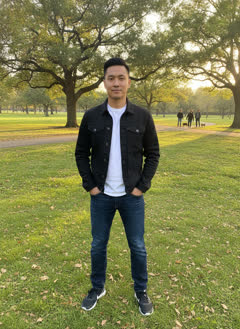 1 photo in
Sample made with this template, from one photo of another AI-made man (not a real person): scythe in hand by about second 3.
Will it arrive before Halloween?
Yes. Your video is ready about 5 minutes after you pay, and we email it to you. Order any time up to Oct 31.
What is the AI Grim Reaper trend?
A Halloween 2026 photo-to-video effect: one photo becomes a short reaper battle scene. AI video effect sites added it in October 2026.
What happens in the video, second by second?
Our own scene, made fresh from your photo:
- about 0–1.5sYou stand in a ruined cathedral at night, back to the camera, as green ghost knights with lances charge out of the fog
- about 1.5–2.5sYou spin around to face the camera
- about 2.5–3.5sA scythe with a glowing green blade forms in your hand; a dark hooded cloak wraps over your clothes
- about 3.5–6sYou sprint at the ghost knights, leap and swing the scythe through them
- about 6–10sYou land and slam the scythe down, green cracks spread across the floor, final pose with the hood up
How do I make the AI Grim Reaper video?
- 1Add one photo: JPG, PNG or WEBP, up to 10 MB, face clearly visible.
- 2Leave your email and pay $9.99 once. No account, no app.
- 3Get a 10-second 720p 9:16 MP4 by email in about 5 minutes. Add the trend sound in TikTok or Reels.
CapCut template or memevibe: which should I use?
Use a CapCut template if you do not mind installing the app and editing it yourself. Use MemeVibe to receive a finished video from your photos without installing an editor.
| CapCut template | memevibe | |
|---|---|---|
| App needed | Yes, CapCut | No, works in the browser |
| What you do | Edit the template yourself | Add your photos, pay, download the MP4 |
| Sound | Usually the trend sound | Quiet original music; add the trend sound when you post |
| Video | The template’s own footage | A new AI video made from your photo |
How much does it cost?
Pay $9.99 once for one video on MemeVibe. You do not need an account or subscription. A failed render includes one retry; if that attempt also fails, request a refund for that video at hello@memevibe.ai.
What if the render fails?
Open your order page to retry a failed render once. If that attempt fails as well, ask hello@memevibe.ai to refund that video. Uploads that violate our rules, including photos of children, celebrities or politicians, are not refundable.
Will it look exactly like me?
Your photo guides an AI-generated scene; identity and small details can change. Use a well-lit, unobstructed portrait. A completed clip with an imperfect likeness does not qualify as a failed render and is not refunded or remade.
What photo works best?
One adult, full body from head to shoes, facing the camera, face clearly visible. Group photos and tiny faces work worse.
Do I keep my own clothes?
Yes. Your outfit stays and a dark hooded cloak is added on top.
Is it scary or gory?
Spooky, not gory: green ghosts, mist and fire, no blood.
Can I use a pet photo?
Not for this one. For pets, try Thriller Dance AI.
Do I need the original video, an app or a CapCut template?
Use the photo slots on this page: JPG, PNG or WebP, up to 10 MB each. MemeVibe supplies the scene instructions. You do not need to install an editor or supply a video or song.
Can I use a celebrity photo?
Choose an adult you have permission to depict, or a pet where the template allows one. MemeVibe creates the scene from those photos; public figures and copyrighted characters are excluded.
Does it have the original song?
MemeVibe supplies its own quiet background track, timed to the clip. The song associated with the trend is not included; select music in TikTok or Reels when you publish.
Who can be in the photo?
Adults only (18+). Use your own photo or one you have permission to use, and anyone in it must be 18 or older. No celebrities, politicians or copyrighted characters.
Do I have to make all 3 videos at once?
No. Your first video is made from your photo right after payment. The other 2 are credits: use them within 30 days of payment on any template, Santa included, from your order page, with new photos. To get back without an account, open My videos & credits and enter your checkout email; we email you a new private link. Finished videos are still kept for 3 days each. A 3-Video Pack is refunded in full only within 7 days of payment and only if none of its videos has been made; used, older or expired packs aren't refunded (see our refund policy).
What memevibe does not do
- ✗ No celebrity, politician or character photos.
- ✗ We do not use, host or show the original video or song.
- ✗ No official logos. memevibe is a fan-made tool, not affiliated with the creators.
- ✓ By uploading, you confirm you have the right to use the photo.
Also called
- AI grim reaper effect
- grim reaper AI video
- reaper scythe AI video