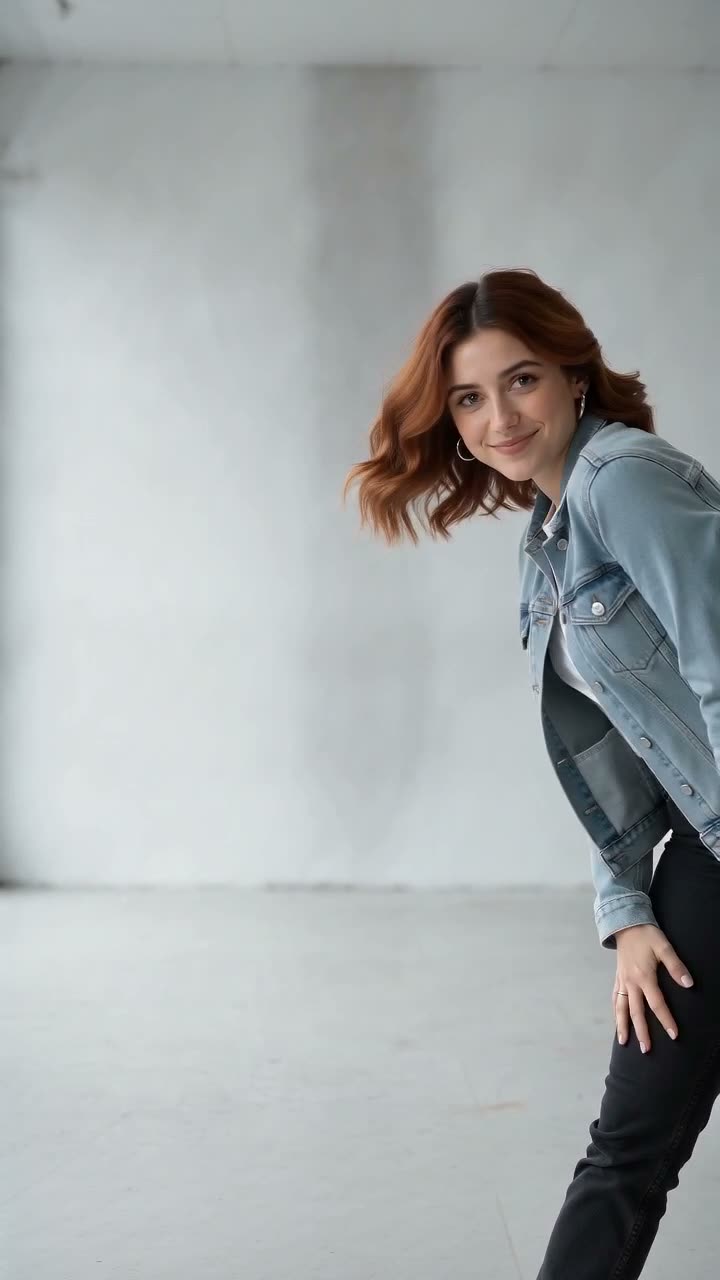
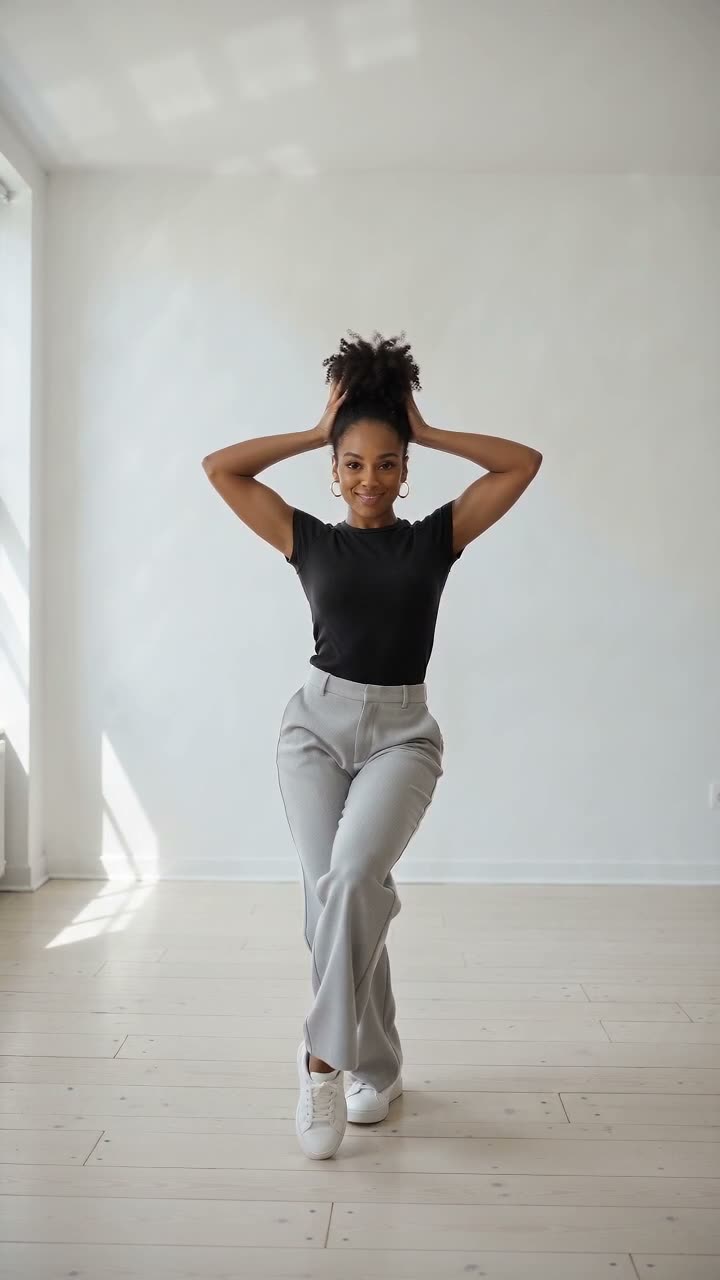
Hop Hop Hop AI
Hop Hop Hop AI turns your photos into the trend where one of you points back while the other hops three times, then one hard cut swaps your places. Use 2 photos with a friend, 1 photo as your own twin, or you and your dog or cat. An 8-second 720p 9:16 video by email in about 5 minutes, $9.99, no account.
Published Oct 30, 2026 · Updated Oct 30, 2026
 1 or 2 photos in→ 8 s · 720p video out
- No sign-up
- Ready in ~5 min
- You or your pet
Your photos guide a new AI render. Details and likeness can differ from the sample.
Choose photos that suit this scene:
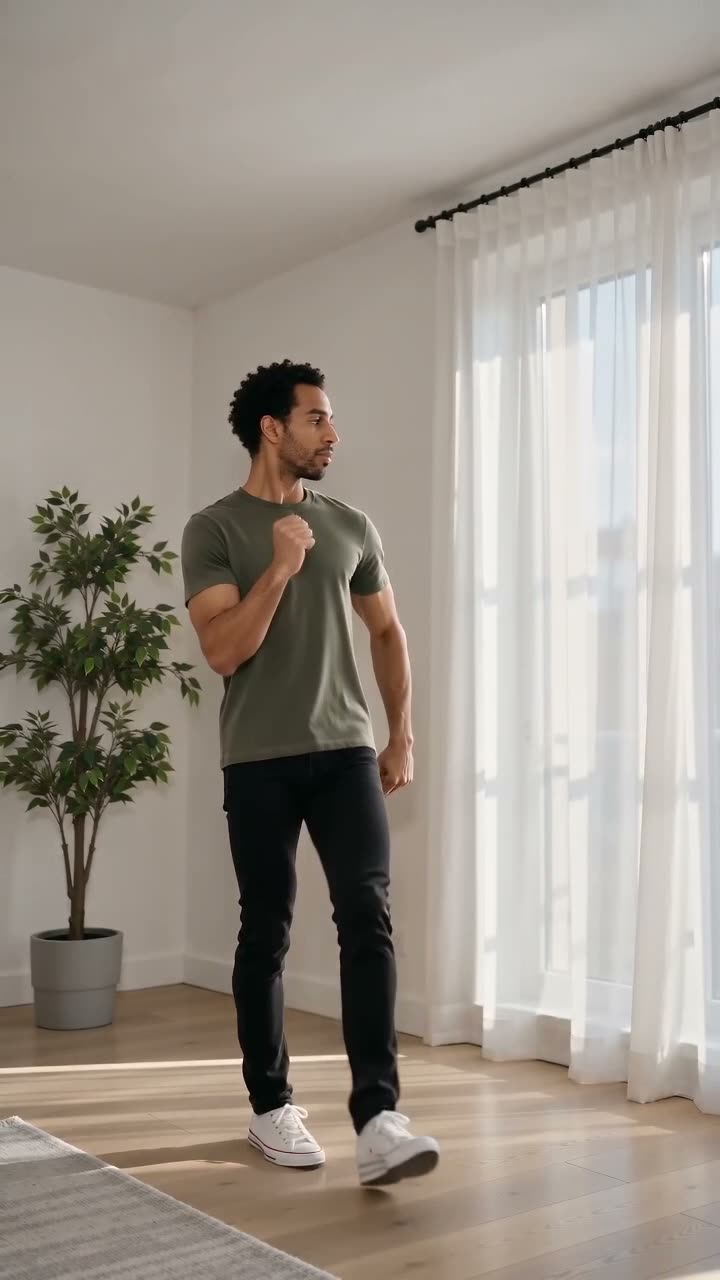
- ✓ Knees-up or full body, so the hops show
- ✓ One subject per photo, face clearly visible, good light
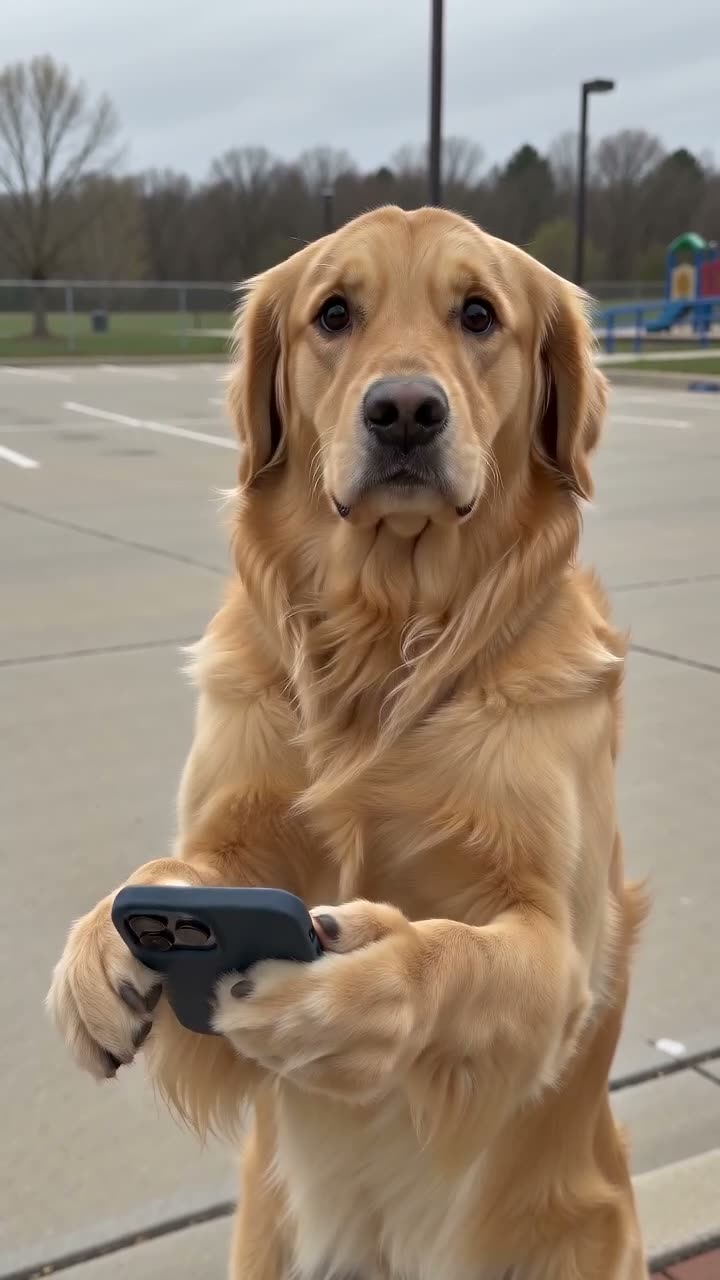
- ✓ Pets: a clear full-body photo of your dog or cat
- ✗ Group photos, tiny faces, sunglasses or heavy filters
- ✗ Celebrities or anyone who has not agreed
What is the Hop Hop Hop trend?
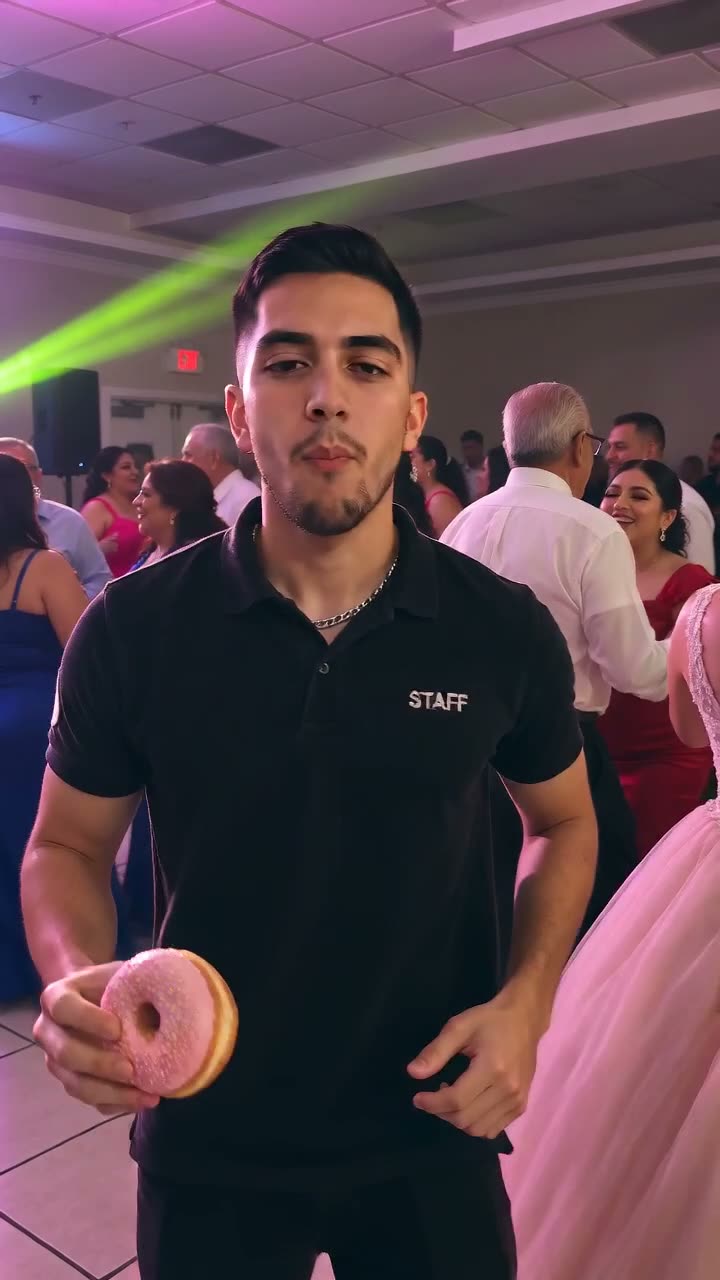
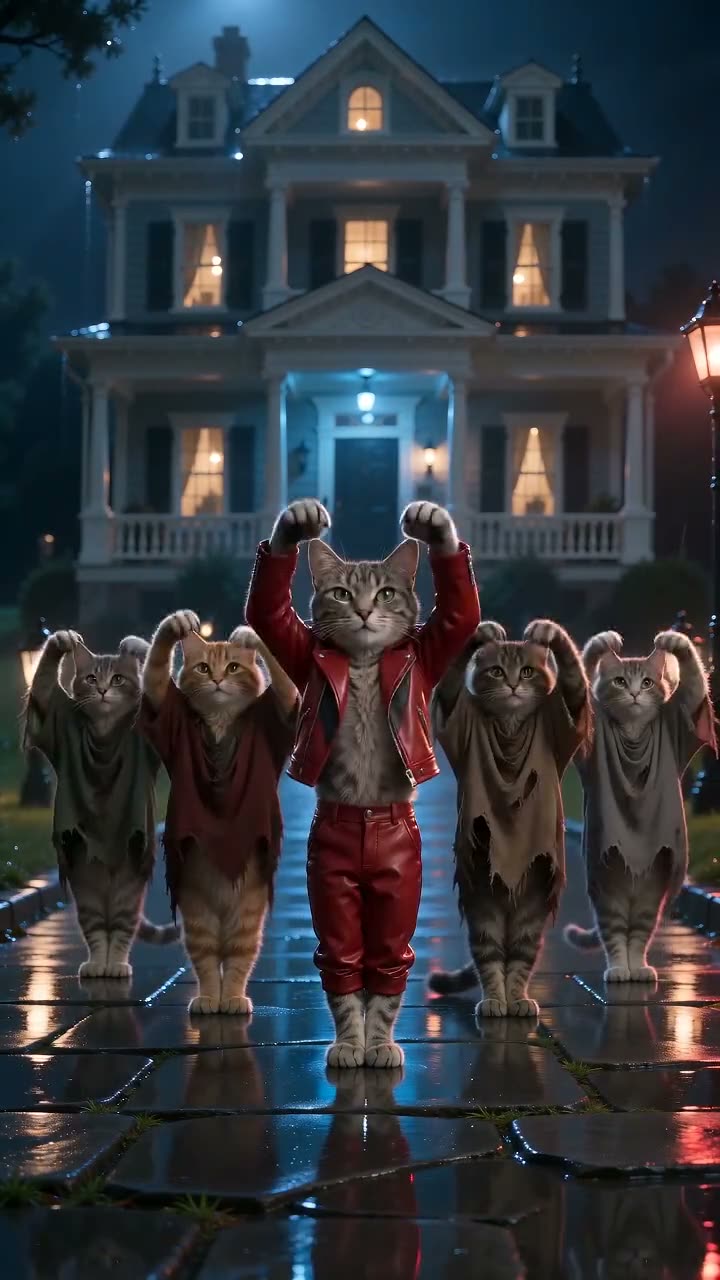
A two-person TikTok dance from October 2026, also called the Gabi trend: the person in front smiles and points back while the person behind hops three times, and a hard cut on the beat swaps them so both get a turn. It spread through animated twin clips and a night parking-lot version, then AI video sites added photo versions. MemeVibe makes its own version with its own scene and beat; it is not affiliated with any creator or platform.
What happens in the video, second by second?
Our own scene, made fresh from your photo:
- 0–1 sOne of you stands close to the camera, the other far back in a night parking lot
- 1–3 sThe one in front points back; the one behind hops three times
- about 4 sOne hard cut: you swap places
- 4–8 sThe new front subject shades their eyes; the one behind hops with arms up
How do I make the Hop Hop Hop AI video?
- 1Add one or 2 photos: JPG, PNG or WEBP, up to 10 MB, face clearly visible.
- 2Leave your email and pay $9.99 once. No account, no app.
- 3Get an 8-second 720p 9:16 MP4 by email in about 5 minutes. Add the trend sound in TikTok or Reels.
CapCut template or memevibe: which should I use?
Use a CapCut template if you do not mind installing the app and editing it yourself. Use MemeVibe to receive a finished video from your photos without installing an editor.
| CapCut template | memevibe | |
|---|---|---|
| App needed | Yes, CapCut | No, works in the browser |
| What you do | Edit the template yourself | Add your photos, pay, download the MP4 |
| Sound | Usually the trend sound | Our own 120 BPM beat, 8 s; add the trend sound when you post if you like |
| Video | The template’s own footage | A new AI video made from your photo |
How much does it cost?
$9.99 for one video, or $24.99 for a 3-Video Pack. You pay once through Stripe; there is no subscription.
How long until I get my video?
About 5 minutes after payment. A private pickup link arrives by email and works for 72 hours.
Can I do it with only one photo?
Yes. Pick "1 photo (your twin)" and both people in the video have your face and clothes, like twins.
Can I do it with my dog or cat?
Yes. Pick "You + your pet", then add your photo and a clear full-body photo of your pet. Your pet stands on its hind legs to hop, so the dance is stylized.
What photo works best?
One person per photo, knees-up or full body, face clearly visible, good light; JPG, PNG or WebP up to 10 MB. Kids are welcome with a parent’s or guardian’s OK. No celebrities or politicians.
Does it have the trend sound?
No. Your video comes with our own 120 BPM beat, timed to the hops and the cut. To use the trend sound, upload the MP4 to TikTok or Reels, tap Add sound and turn the clip’s own volume down or off.
Can I change the place or the moves?
No. The night parking lot, the three hops and the swap are built in, and there is no prompt box. Your face, hair and clothes come from your photos.
What if the video fails?
You get 1 retry from your order page. If the retry fails too, we refund that video. A video you don’t like or that looks different from you isn’t refunded.
Who can be in the photo?
You, or family and friends who agreed. Kids are welcome with a parent’s or guardian’s OK. No celebrities, politicians or copyrighted characters.
Can I upload photos of my kids?
Yes, if you’re their parent or guardian or have permission. Tick the confirmation box before checkout. A few templates (marked "Adults only") don’t accept kids’ photos.
What happens to my child’s photo?
It is used only to make your video, then deleted after 24 hours. No face recognition, no public gallery, never sold or used for training. Email hello@memevibe.ai and we delete it within 24 hours.
Do I have to make all 3 videos at once?
No. Your first video is made from your photo right after payment. The other 2 are credits: use them within 30 days of payment on any template, Santa included, from your order page, with new photos. To get back without an account, open My videos & credits and enter your checkout email; we email you a new private link. Finished videos are still kept for 3 days each. A 3-Video Pack is refunded in full only within 7 days of payment and only if none of its videos has been made; used, older or expired packs aren't refunded (see our refund policy).
What memevibe does not do
- ✗ No celebrity, politician or character photos.
- ✗ We do not use, host or show the original video or song.
- ✗ No official logos. memevibe is a fan-made tool, not affiliated with the creators.
- ✓ By uploading, you confirm you have the right to use the photo.
Also called
- gabi trend ai
- hop hop hop trend ai
- hop hop hop dance ai
- point and hop trend